Frames
The ad frame is given a black colour in this example. You can change the design of the frame itself using the context menu. Alternatively, you have shapes from a frame pool available on the right‑hand side.

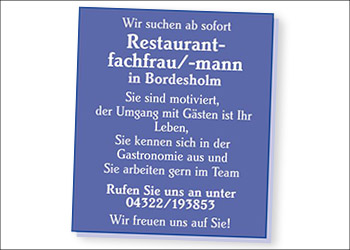
In this ad, you should pay attention to the following functions:
The ad frame is given a black colour in this example. You can change the design of the frame itself using the context menu. Alternatively, you have shapes from a frame pool available on the right‑hand side.
In this ad, the background colour can be changed via the context menu. In addition, a background colour can also be changed by using the selection on the right side next to the Stylo window.
Click into the ad and change text, images and design just as your advertisers would in your own portal.
Frame style


Frame colour


Background colour


Interactive, digital or for print: Stylo brings every tool for ad design together in one editor.