Growing height
The ad has a growing height. If more text is entered in the text boxes, the ad height increases. The decorative frame also adjusts and decorative elements are added or removed depending on the height.

An example of a greetings ad (two-columns, growing).
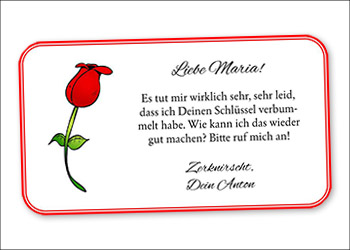
In this example of a greetings advertisement you can try the following Stylo functions:
The ad has a growing height. If more text is entered in the text boxes, the ad height increases. The decorative frame also adjusts and decorative elements are added or removed depending on the height.
The frame type can be defined using the "Frame Style" function from the context menu. In this example, a double frame was used. Other options include stiched and dotted frames. The colour and line thickness can also be controlled via the context menu. In this case, the corner type was also set to rounded.
Write the text in the text frames and the grey text is replaced. If you forget to overwrite text, you will be reminded by the ad system later, that you should overwrite the text or delete the text frame.
Click into the ad and change text, images and design just as your advertisers would in your own portal.
Interactive, digital or for print: Stylo brings every tool for ad design together in one editor.